
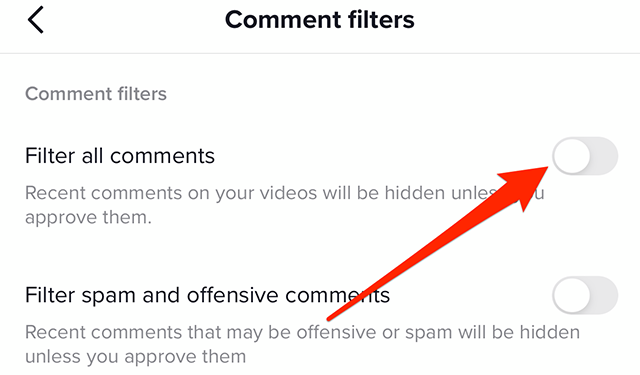
Want to know how to turn off comments on a TikTok video? Don’t worry—it’s super easy! Just follow these steps:
1. Open the TikTok app and select the video you want to manage.
2. While the video is playing, tap the comment icon (speech bubble) at the bottom of the screen.
3. Once the comments section appears, tap the three vertical dots in the upper right corner.
4. You’ll see an option like “Turn Off Comments” or something similar. Select that option.
5. Confirm your decision to disable comments. This will prevent viewers from leaving comments on your video.
You can re-enable comments anytime if you change your mind. Keep in mind that TikTok regularly updates its app, so the menu layout might look a bit different.
Pro Tip: If you’re using TikTok for business or brand promotion, managing features like comments is crucial to maintaining positive interactions with your audience.
Looking for the best way to manage or boost your TikTok marketing strategy? Visit SocmedProvider for expert solutions and affordable marketing services!